Letter & A4Print-ready PNGFree with Google
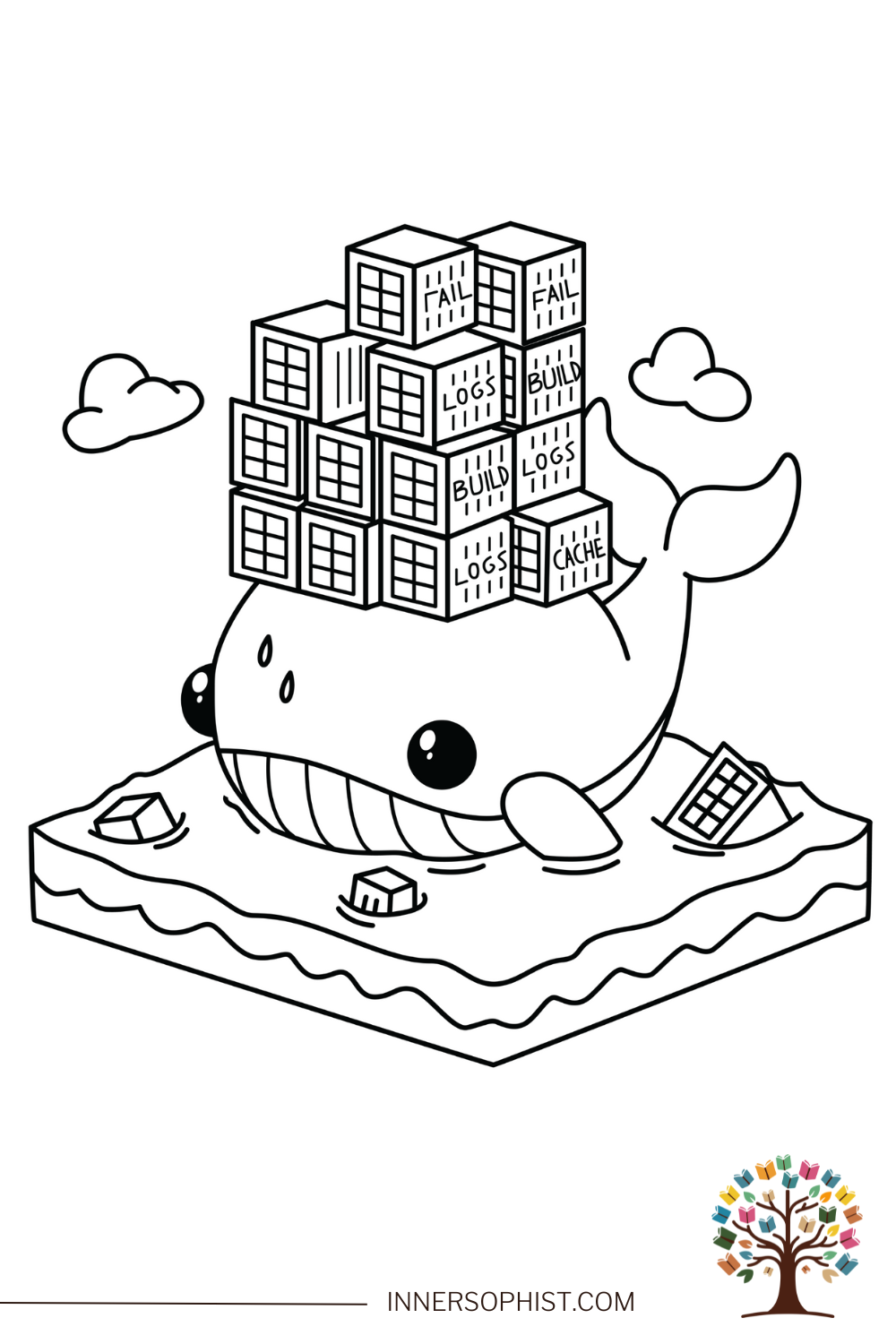
Docker Whale Overload Coloring Page
A cheerful whale carrying a heavy load of containers labeled 'Logs,' 'Build,' 'Fail,' and 'Cache.'
Sign in with Google · color online with Plus
Plus $4.99/month or $42.99/year. Billed when you join. Cancel renewal anytime.
Download instructions
Sign in free with Google, then click the "Download This Coloring Page" button below the image to save the file to your device.
Print on standard 8.5" × 11" paper for best results.
Use the "Fit to page" option in your printer settings.
Print as many copies as you need for personal use.
Free for personal use · See license
Free coloring pages to print at home.
Grabbing your supplies through our Amazon links keeps the studio going — at no extra cost to you. 💕
Color this page online
Fill, brush, and add gradients in your browser. Join InnerSophist Plus to color online from day one. Monthly or yearly, billed when you join.
Sign in with Google · color online with Plus
About this page
This friendly whale is carrying the weight of a busy development environment—stacked high with containers labeled 'Logs,' 'Build,' 'Fail,' and 'Cache.' A playful take on Docker and containerization, this coloring page is perfect for young tech enthusiasts who enjoy learning about coding infrastructure in a fun and imaginative way!
Share your colors
Colored this page? Upload a photo — we’ll suggest a title and palette, and after a quick review it can join the community gallery.
Coloring suggestions
Use blue shades for the whale
Add different colors for each container
Include tech-inspired colors like neon
Try metallic colors for hardware elements
Consider using bold colors for error messages
Recommended materials
- Colored pencils for precise details
- Markers for bold container colors
- Gel pens for error messages
- Metallic markers for hardware elements
Why kids & grown-ups love it
Introduces children to tech concepts
Develops understanding of modern software
Encourages interest in programming
Makes learning about technology fun
Perfect for
Fun facts
Docker was first released in 2013 and revolutionized software deployment
The average developer uses over 20 different containers in their projects
Whales can dive up to 2,000 meters deep in the ocean
Container technology was inspired by shipping containers
Docker processes over 242 billion container downloads per month
The blue whale is the largest animal ever known to exist
The first computer bug was actually a real moth found in a computer
Containerization can reduce deployment time by up to 90%
Whales use echolocation to navigate, similar to how servers communicate
The term "debugging" comes from removing actual insects from computers
Skills developed
Technical concept visualization
Color coordination
Pattern recognition
Understanding of tech infrastructure
Learning opportunities
Understanding basic containerization concepts
Learning about software deployment
Recognizing different types of development logs
Understanding system resources and management
Behind the art
Inspiration
Inspired by the challenges and humor in modern software development
Artist notes
Created to make complex tech concepts accessible and fun for young learners
Visit my stores
Browse the full range of printed coloring books on Amazon and Etsy.
Follow for free gifts & promotions
Join the community on Instagram for new pages, giveaways, and coloring inspiration.
@innersophist



Recommended products
Explore these hand-picked coloring books and tools from our favorite creators and brands.
Books by different authors


Coloring tools

80 Colors Alcohol Markers Set
by AnyMark Store


Copic Ciao Start Set
by Copic
