Letter & A4Print-ready PNGFree with Google
WiFi Bunny Coloring Page
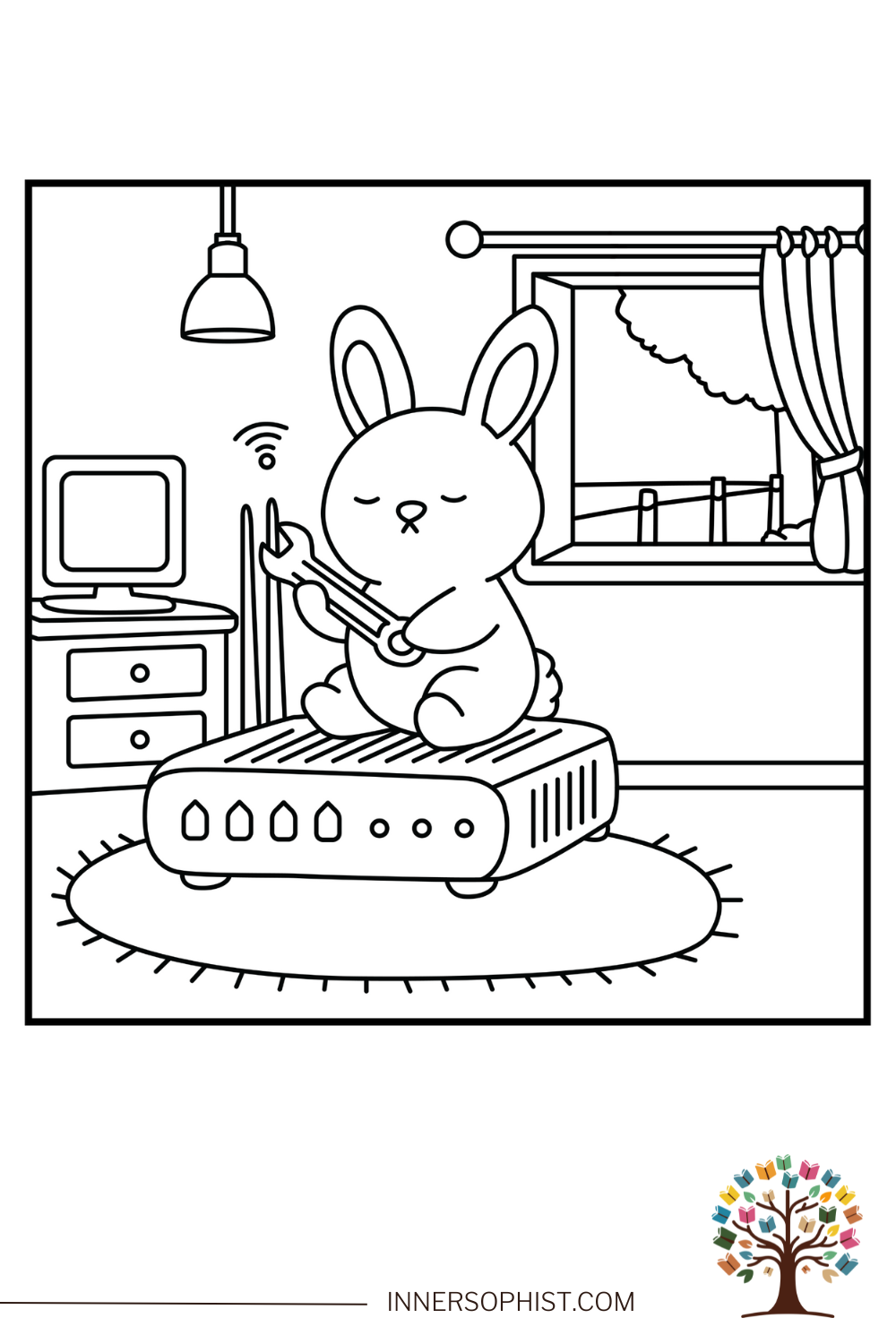
A cute bunny meditating on a WiFi router with a wrench in hand.
Sign in with Google · color online with Plus
Plus $4.99/month or $42.99/year. Billed when you join. Cancel renewal anytime.
Download instructions
Sign in free with Google, then click the "Download This Coloring Page" button below the image to save the file to your device.
Print on standard 8.5" × 11" paper for best results.
Use the "Fit to page" option in your printer settings.
Print as many copies as you need for personal use.
Free for personal use · See license
Free coloring pages to print at home.
Grabbing your supplies through our Amazon links keeps the studio going — at no extra cost to you. 💕
Color this page online
Fill, brush, and add gradients in your browser. Join InnerSophist Plus to color online from day one. Monthly or yearly, billed when you join.
Sign in with Google · color online with Plus
About this page
This adorable bunny is finding inner peace while fixing the WiFi! Sitting cross-legged on a router, the bunny holds a wrench with a serene expression, proving that even tech troubles can be met with zen. The scene features blinking router lights, network cables, and wireless signal indicators, all while our furry friend maintains perfect meditation pose. Kids will love adding colors to this unique and funny scene, combining mindfulness with technology.
Share your colors
Colored this page? Upload a photo — we’ll suggest a title and palette, and after a quick review it can join the community gallery.
Coloring suggestions
Use soft grey for the router
Add white for the bunny
Try green for LED indicators
Include metallic silver for the wrench
Consider blue tones for WiFi signals
Recommended materials
- Grey markers for tech equipment
- White and brown pencils for bunny
- Green markers for lights
- Blue pencils for wireless signals
- Silver metallic pen for tools
Why kids & grown-ups love it
Teaches tech patience
Introduces networking concepts
Promotes mindfulness
Develops problem-solving skills
Encourages calm approach to challenges
Perfect for
Fun facts
WiFi was invented in 1997
The first wireless network was called ALOHAnet
Rabbits can jump up to four feet high
The average home has 10 connected devices
Router lights indicate different connection states
WiFi signals can travel through walls
Meditation can improve problem-solving skills
The term WiFi doesn't actually stand for anything
Skills developed
Technology awareness
Stress management
Color coordination
Fine motor skills
Pattern recognition
Learning opportunities
Basic networking concepts
Mindfulness practices
Technology troubleshooting
LED indicator meanings
Problem-solving approaches
Behind the art
Inspiration
Inspired by the need to stay calm during tech problems
Artist notes
Created to show that technology and tranquility can coexist
Visit my stores
Browse the full range of printed coloring books on Amazon and Etsy.
Follow for free gifts & promotions
Join the community on Instagram for new pages, giveaways, and coloring inspiration.
@innersophist