Letter & A4Print-ready PNGFree with Google
Funny Docker Whale 'It Runs On My Machine' DevOps Coloring Page
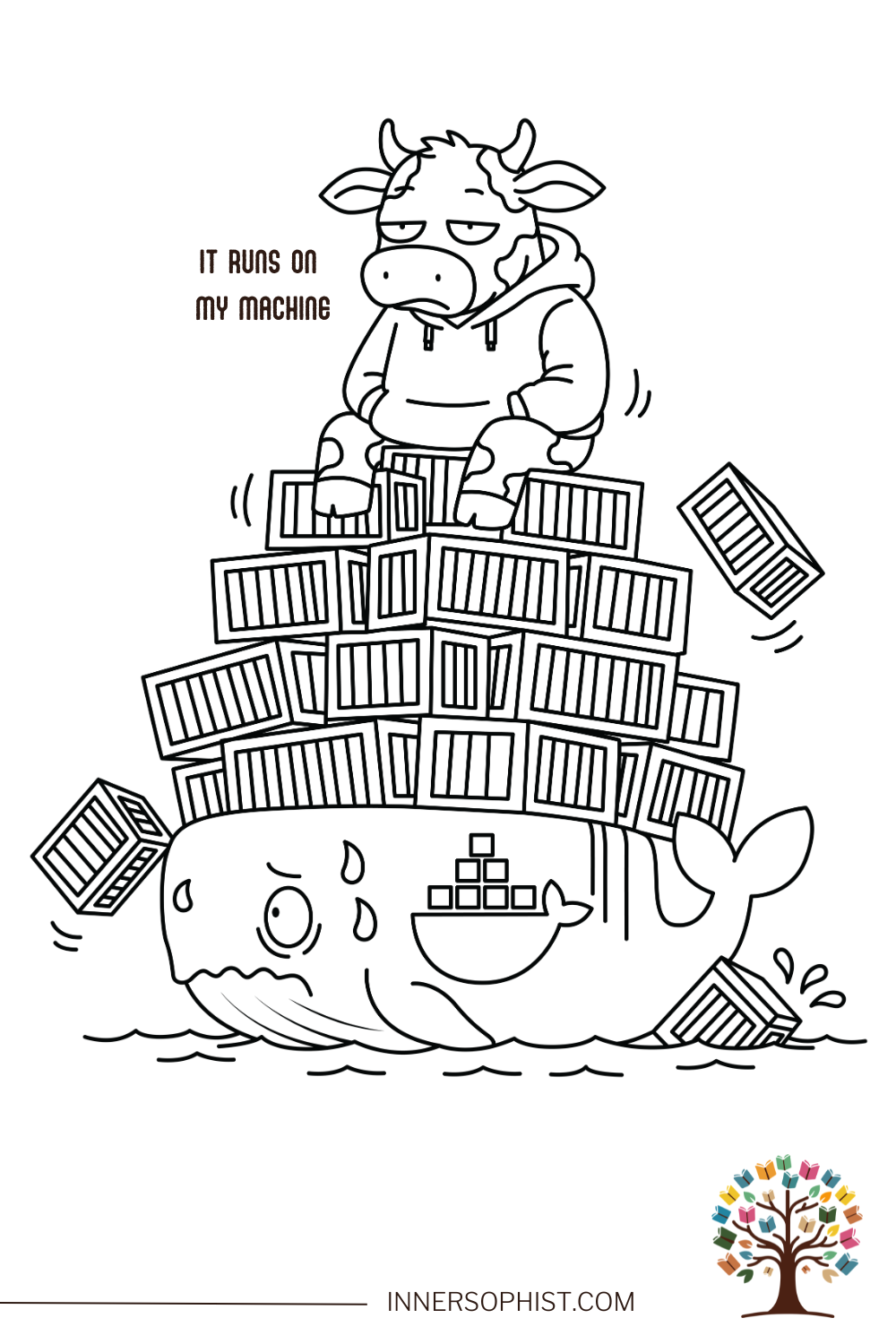
Dive into the hilarious world of DevOps with this ultimate coloring page, featuring the iconic 'IT RUNS ON MY MACHINE' meme! Witness a smug cow perched atop a precarious tower of shipping containers, all weighing down an overwhelmed Docker whale (a Moby Dock look-alike) who's visibly sweating and struggling as containers tumble everywhere. This comical scene perfectly illustrates the chaos of containerization gone awry, deployment mishaps, and that all-too-familiar developer excuse when code works perfectly locally but mysteriously fails in production. It's the ideal creative escape for DevOps engineers, Docker enthusiasts, Kubernetes admins, backend developers, and anyone who's ever pointed a finger at 'the environment'!
Color online with InnerSophist Plus
Plus $4.99/month or $42.99/year. Billed when you join. Cancel renewal anytime.
Fits standard 8.5"×11" paper · Free for personal use · See license
Your support helps us create more pages.
Grabbing your supplies through our Amazon links keeps the studio going — at no extra cost to you. 💕
Recommended materials
Get the best results with these coloring tools.
Fun facts
Did you know Docker launched in 2013? It quickly revolutionized how developers deploy applications by finally solving that infamous 'it works on my machine' dilemma!
Docker's friendly whale mascot is named Moby Dock – a clever and playful twist on the title of Herman Melville's famous novel, Moby Dick!
The concept of shipping containers, invented way back in 1956, directly inspired Docker's brilliant idea of standardized software packages that can run anywhere.
Google originally created Kubernetes (often shortened to K8s) to orchestrate Docker containers, and it has since become the undisputed industry standard for managing containerized applications.
The phrase 'It works on my machine' is so iconic in the developer community that there's even a humorous 'Works on My Machine Certification Program' meme!
It's no wonder our Docker whale is sweating! The average enterprise today manages hundreds, if not thousands, of containers – that's a lot of weight to carry!
Educational activities
Dive deeper into containerization and discover how Docker transformed software deployment forever.
Explore the fascinating differences between containers and traditional virtual machines.
Uncover the power of Kubernetes and master essential container orchestration concepts.
Investigate CI/CD pipelines and understand how containers are crucial for continuous deployment.
Learn about microservices architecture and why containers are an indispensable part of it.
Coloring tips
Capture Docker's signature blue for the whale – for an exact match, try hex #2496ED!
Bring the containers to life with a splash of bright, varied colors, just like real shipping containers (think vibrant reds, blues, greens, and oranges).
Emphasize the whale's struggle by adding subtle light blue sweat drops.
Give the smug cow a truly mischievous expression with a touch of rosy cheeks.
Create a dynamic ocean scene using shades of blue and white for the water and waves.
For an extra touch of drama, make some of the 'failing' services glow with a fiery red hue!
Creative project ideas
Personalize the containers by labeling them with funny or relatable service names like 'auth-service', 'legacy-monolith', or 'why-is-this-here'!
Add humorous error messages floating around the scene, such as '502 Bad Gateway', 'OOMKilled', or 'CrashLoopBackOff'.
Imagine and design a whole series of DevOps animal memes – perhaps a Kubernetes helmsman or a Jenkins butler?
Create a dramatic 'production is on fire' background, complete with flickering servers and urgent warning symbols.
Design unique developer team stickers for your SRE or platform engineering squad, inspired by this chaotic scene.
Turn the deployment disaster into a game by creating a 'DevOps disaster bingo' card to accompany this hilarious coloring page!
How to color this page
Download
Sign in with Google. Pages without a Plus badge are free to download; Plus-badged originals require membership.
Use letter-size paper at "Actual size" for best results.
Color
Pencils, markers, gel pens, or watercolors — your call.
Quick printing tips
Use paper compatible with your printer and coloring tools.
Set your printer to "Actual size" (no scaling) for exact dimensions.
For markers, slip a scrap sheet underneath to protect the surface.
Print multiple copies to experiment with different palettes.
Color this page online
Fill, brush, and add gradients in your browser. Join InnerSophist Plus to color online from day one. Monthly or yearly, billed when you join.
Color online with InnerSophist Plus
Share your colors
Colored this page? Upload a photo — we’ll suggest a title and palette, and after a quick review it can join the community gallery.
Frequently asked questions
What is the Docker whale reference in this coloring page?
Our coloring page's whale is a playful nod to Moby Dock, Docker's iconic mascot! Docker chose a whale carrying shipping containers for its logo because, much like real-world containers, software containers package everything an application needs to run consistently anywhere. This meme hilariously exaggerates the chaos that can ensue when you're managing a few too many containers!
What does 'It Runs On My Machine' mean?
Ah, the legendary developer's lament! 'It Runs On My Machine' is the classic excuse heard when code functions flawlessly on a developer's personal computer but mysteriously breaks down in production, QA, or another team member's environment. Docker was actually invented to tackle this very issue – though, as our meme humorously illustrates, the path to smooth deployment isn't always without its bumps!
Who is this DevOps coloring page for?
This fun coloring page is designed for everyone in the tech world who appreciates a good laugh! It's especially perfect for DevOps engineers, SREs (Site Reliability Engineers), platform engineers, backend developers, Kubernetes administrators, Docker enthusiasts, and truly anyone who's ever navigated the wild waters of deployment nightmares or container orchestration chaos!
Support independent artists
Buying a book supports InnerSophist and helps us create more coloring pages. Check each page for its download options.
Recommended products
Explore these hand-picked coloring books and tools from our favorite creators and brands.
Books by different authors


Coloring tools

80 Colors Alcohol Markers Set
by AnyMark Store


Copic Ciao Start Set
by Copic
